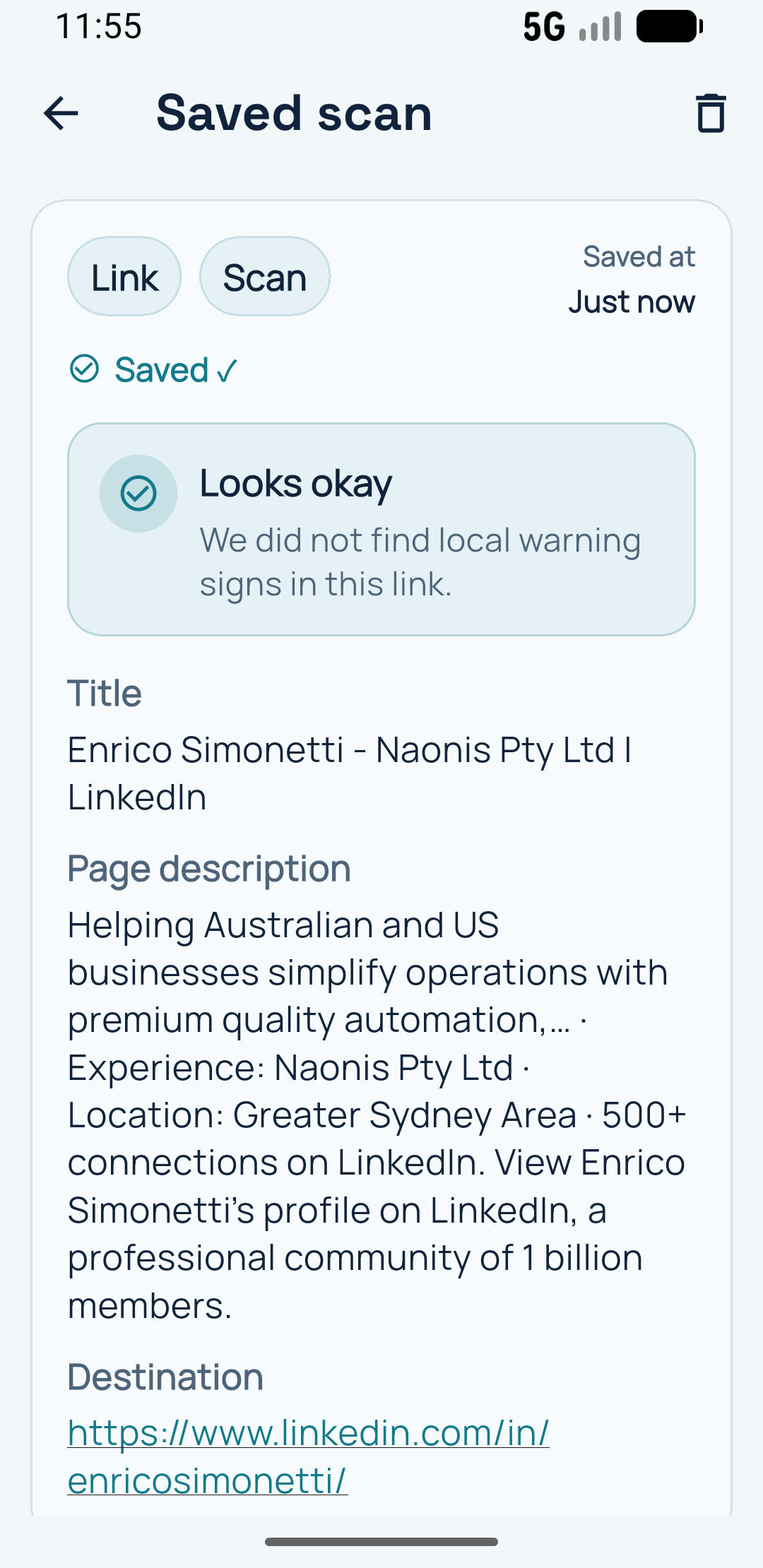
Keep context, not just codes
Saved scans make the next step easier when memory and screenshots are not enough.
Keep useful QR information close after a meeting, event, delivery, site visit or everyday task. Add context while it is still fresh, then find it again when you need it.
Saved scans make the next step easier when memory and screenshots are not enough.
Save contact details, links, phone numbers and other QR results so you do not have to scan the same thing again.
Add a title or private note about where you met, why it matters and what you want to remember.
Return to important scans through history, saved QR codes and favourites where available.
Start with the job you care about. Safe QR Scanner also helps with the next step.
See how a scanned QR contact can become a saved connection you can find again later.
You can save contact details, links, phone numbers and other QR results, then return to them later.
Where the relevant feature is available, you can add a title or private note to help you remember the connection or task.
Yes. Scan the contact QR code, review the details, and save the connection so it is easier to find later.
Review QR links, redirects and useful destination details before deciding whether to open them.