Capture first. Connect deliberately.
Use Pro webhooks when a useful QR result needs to reach your next system.
Capture contact details and other QR information on the move. Then send it to any system that accepts webhooks. Use n8n, relay.app, ActiveCampaign through a connector, or your own service.
Use Pro webhooks when a useful QR result needs to reach your next system.
Scan contact cards, links, phone numbers and other QR results before deciding what to send onward.
Use the app’s workflow path to add or adjust useful information before delivery.
Pro can send QR data to any system that accepts webhooks, including n8n, relay.app or your own service.
Start with the job you care about. Safe QR Scanner also helps with the next step.
See how a scanned contact can continue into a workflow after you review and amend the details.
This example uses Pro webhooks and n8n to pass QR data into ActiveCampaign. It is a connector workflow, not a native integration.
No. Pro provides configurable webhooks. You can use them with any system that accepts webhooks, including n8n, relay.app or your own service.
They are for people who already have a process after the scan and want to pass captured information into that process.
Yes. If your system accepts webhooks, Pro can send QR data to it through your configured workflow.
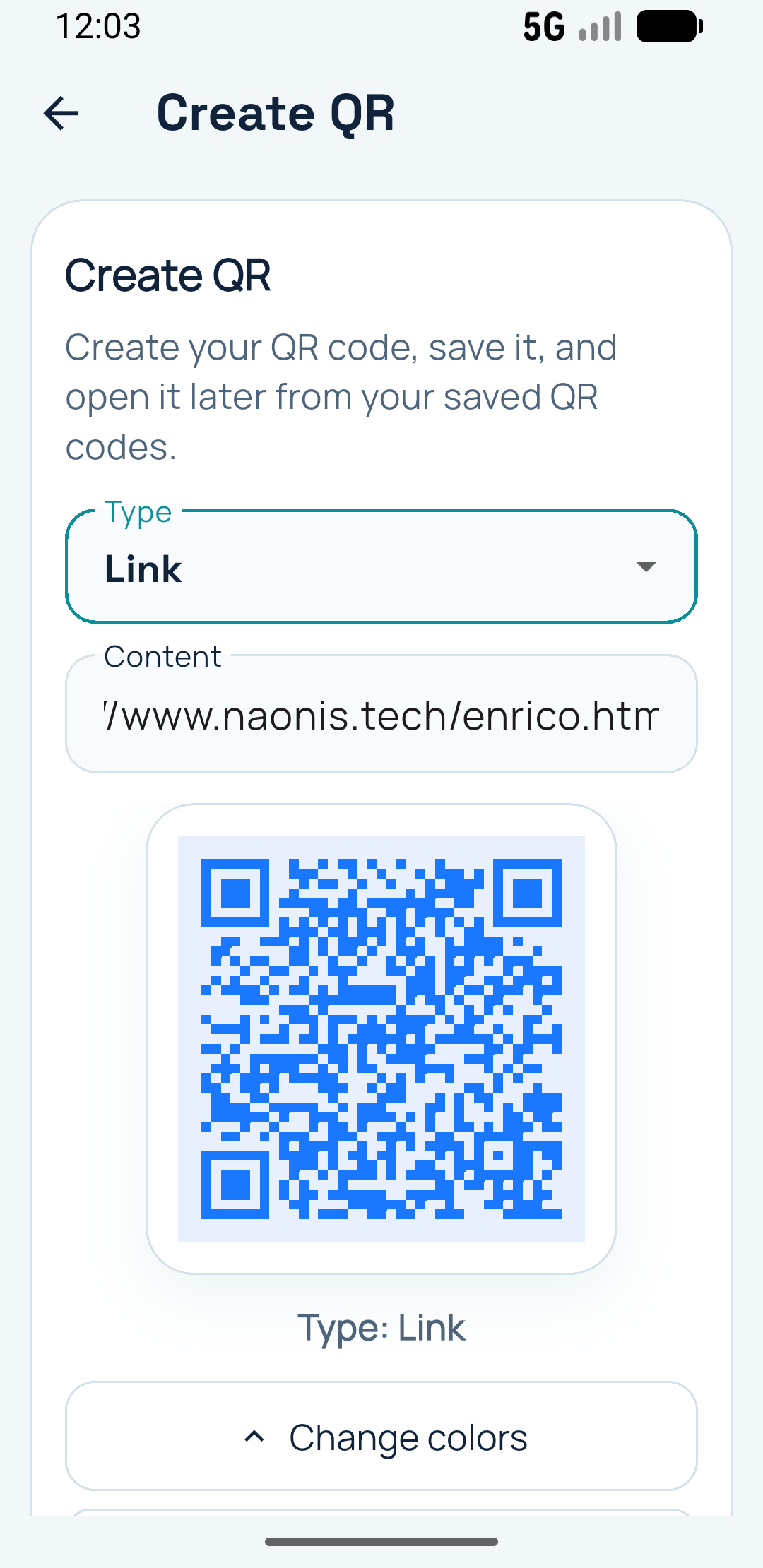
Create your own QR business card, save useful scans and add context before you connect a workflow.