A calmer moment before opening
Review the link, save it for later or leave it closed until you are comfortable.
QR codes are useful, but the picture does not tell you where a link will lead. Review the destination and warning signs first, then decide what to do.
Review the link, save it for later or leave it closed until you are comfortable.
Preview useful QR destination details before opening an unfamiliar link.
Review redirects, unusual hosts and other local signals that deserve a closer look.
Open, save or leave the result alone. The decision stays with you.
Start with the job you care about. Safe QR Scanner also helps with the next step.
See how to review a QR destination, save the useful result, and return to it later.
No. The app can show destination details and warning signs first so you can decide whether to open the link.
Yes. Save the useful result so you can find it again without scanning the code a second time.
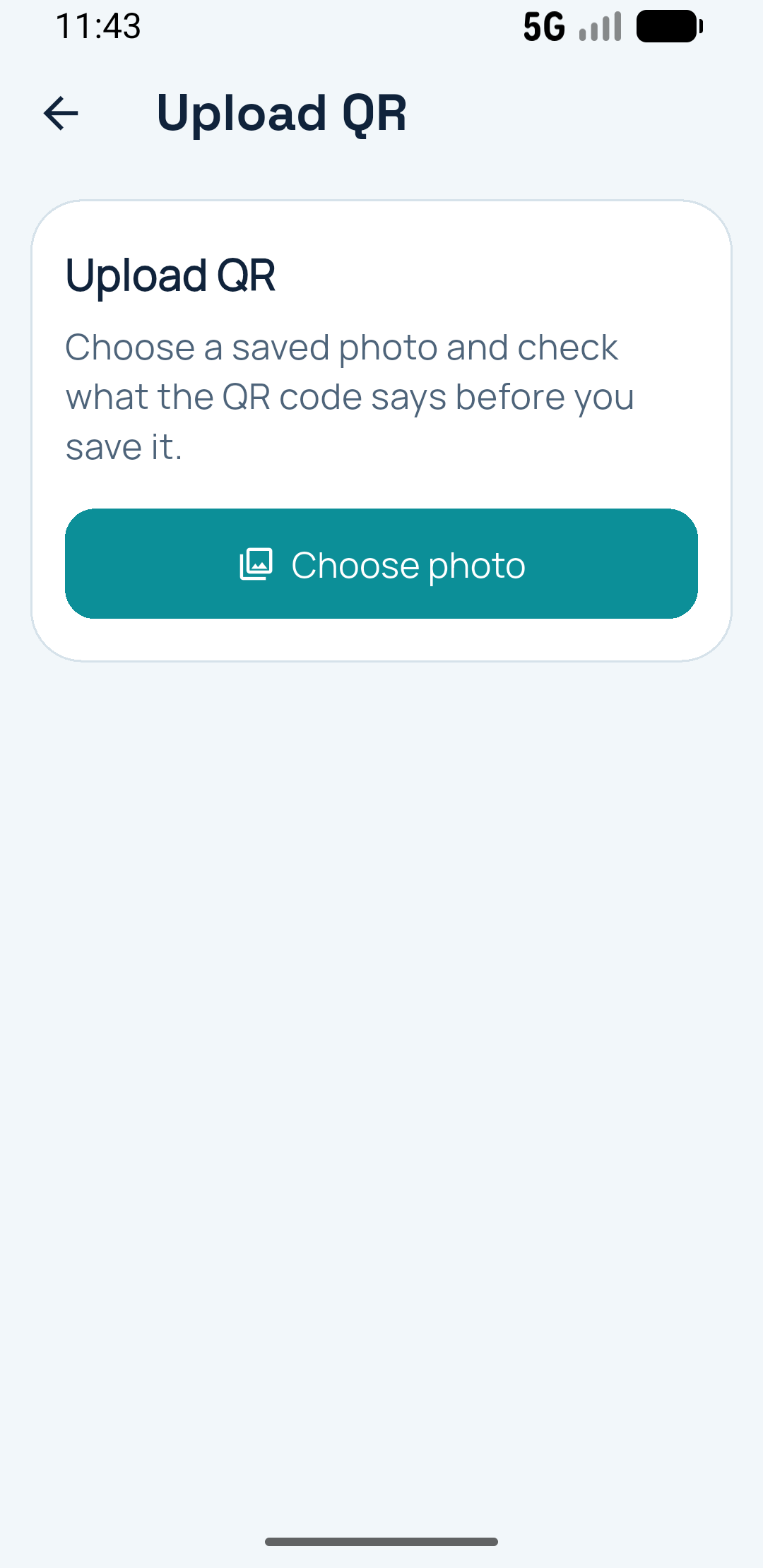
Yes. You can check QR codes from saved images as well as from the live camera flow.
Save the scan with its context so you can return to it without searching through screenshots or scanning again.