Create your card in seconds
Start from a phone contact or enter the details you want to share.
Create a QR business card, scan contact details, add private notes, and keep useful connections ready for follow-up.
Start free. Upgrade when you need more history, organisation, customisation or workflow actions.
Create your card in seconds
Start from a phone contact or enter the details you want to share.
The same app helps you share your details, keep the details you receive, and decide what deserves a follow-up.
Create a reusable QR business card from your phone contact or the details you choose.
Scan contact details and keep the useful result close instead of relying on memory.
Add context, review links and move information into your workflow when needed.
Start with the job you care about. Safe QR Scanner also helps with the next step.
A name without context is easy to forget. Keep a private note about where you met, what mattered and what should happen next.
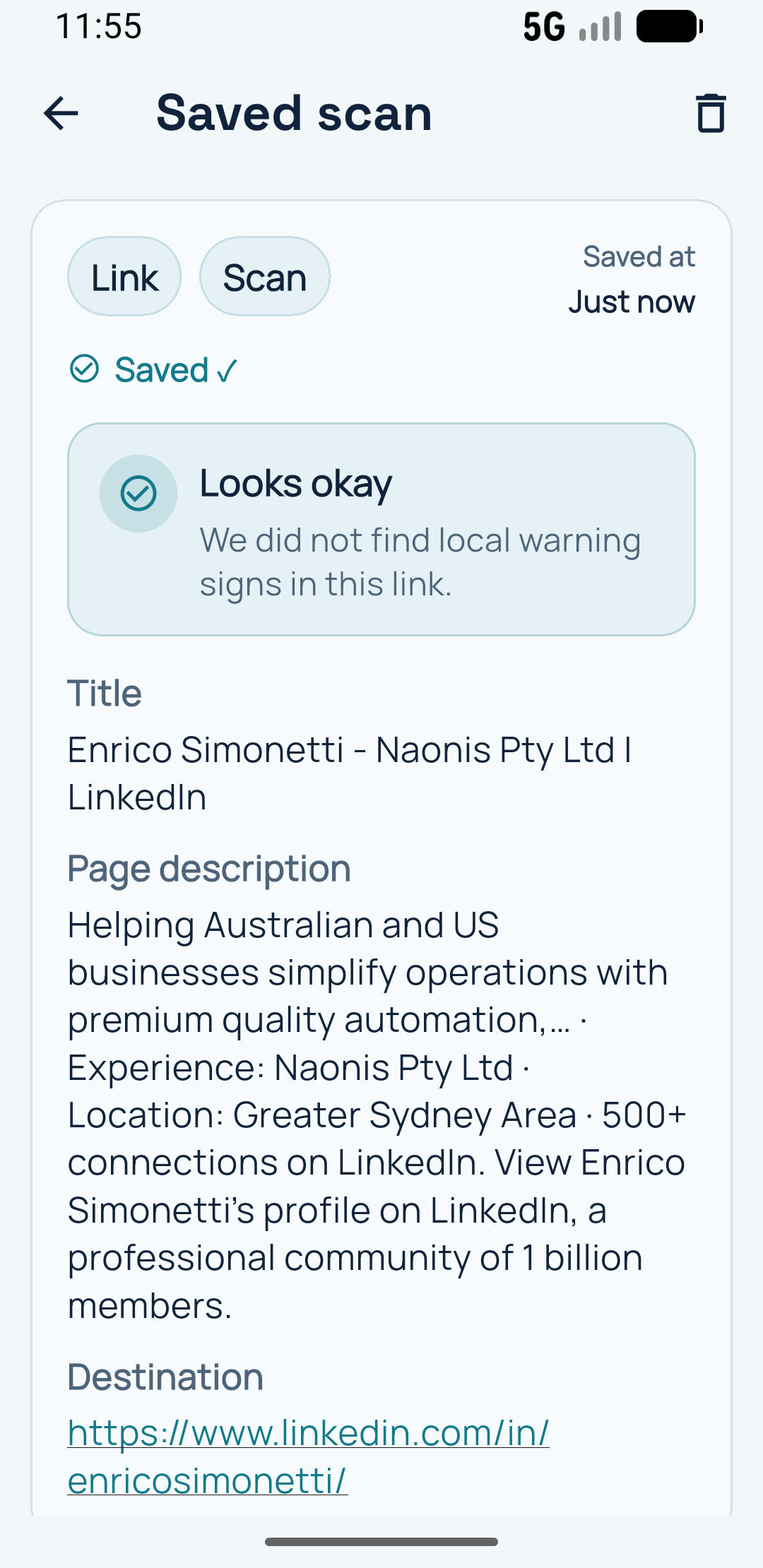
Useful scans stay available when you need to remember what happened next.
Use the core QR flows free. Pro adds more room for people who rely on QR exchanges and follow-up.
Yes. Start from a phone contact or enter the details you want to share.
Yes. Scan their contact QR code and keep the connection ready for later.
Yes. Review the destination before you decide whether to open it.
Create your first QR business card and see what the rest of the app helps you remember.
Create your free card